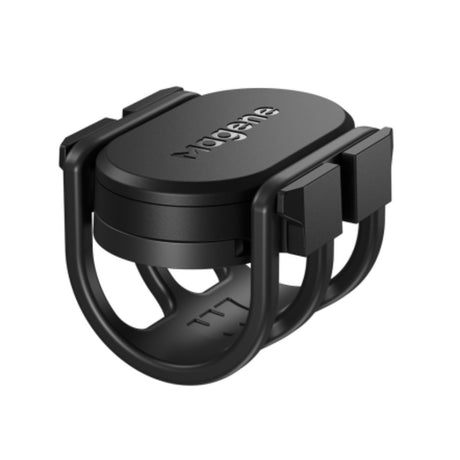
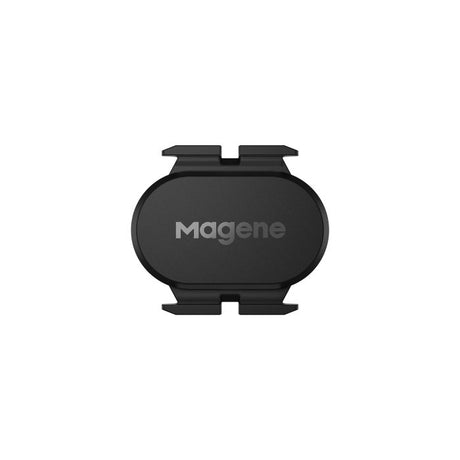
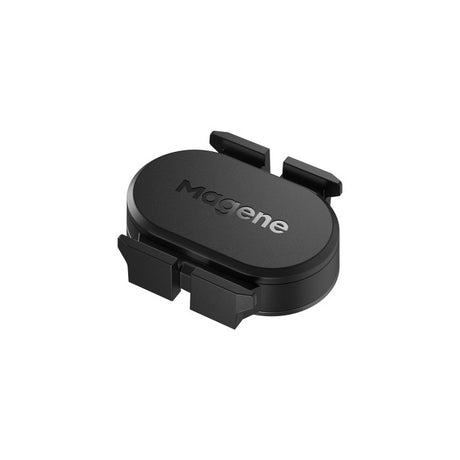
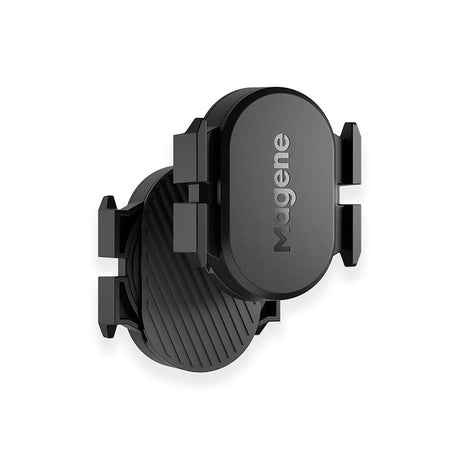
Short answer: a speed sensor counts wheel revolutions to give accurate speed and distance, and a cadence sensor counts how many times a minute you turn the pedals. If you ride outdoors with a GPS computer, a speed sensor is optional and a cadence sensor is the more useful of the two. If you ride a basic, non-smart trainer with Zwift, you need a speed sensor on the rear wheel. The Magene S314 at ₹2,590 can work as either, and the Garmin Speed/Cadence Sensor 2 Bundle at ₹7,990 gives you both.
Sensors are small, cheap and easy to fit, but it is not obvious which ones you need. Plenty of riders buy a pair they never use, and plenty of others ride a trainer for months wondering why their speed reads zero. This guide explains what each sensor does, when you need it, how our sensors compare, and how to fit and pair them.
- What each sensor measures
- Do you need one?
- Our sensors compared
- Fitting them
- Pairing: ANT+ and Bluetooth
- FAQ
- Getting help
What each sensor measures
- Speed sensor. Fits on a wheel hub and counts wheel revolutions. Your bike computer multiplies that by the wheel's circumference to work out speed and distance. Because it does not depend on satellites, it stays accurate under trees, in tunnels, between tall buildings and indoors.
- Cadence sensor. Fits on a crank arm and counts pedal revolutions per minute (rpm). It tells you how fast you are pedalling, not how fast you are going.
Older sensors used a magnet on a spoke or crank and a sensor on the frame. Almost all current sensors are magnet-free: they use a small motion sensor inside the unit, so they strap on in a minute and move easily between bikes.
Do you need one?
| How you ride | Speed sensor | Cadence sensor |
|---|---|---|
| Outdoors with a GPS bike computer or watch | Optional. GPS speed is fine for most riding. | Useful if you want to train on cadence. |
| Outdoors with a non-GPS wireless computer | Needed. It is the only source of speed. | Optional, if the computer shows cadence. |
| On a basic wheel-on or roller trainer with Zwift | Needed, on the rear wheel. Zwift uses it to estimate your power. | Recommended, so your rider's legs move at your cadence. |
| On a smart trainer | Not needed. The trainer sends speed and power. | Optional. Many smart trainers estimate cadence, and a sensor gives steadier numbers. |
| In places where GPS drops out, such as dense city centres or forest | Worth having for consistent speed and distance. | Not affected by GPS. |
If you only buy one sensor for outdoor riding, buy cadence. Speed and distance already come from GPS, but cadence is information you cannot get any other way. Our guide to setting up Zwift covers what you need indoors in more detail.
Our sensors compared

| Sensor | Price | Measures | Worth knowing |
|---|---|---|---|
| iGPSport CAD70 | ₹1,890 | Cadence | ANT+ and Bluetooth, about 300 hours of battery life and IPX7 water resistance. The lowest-cost way to add cadence. |
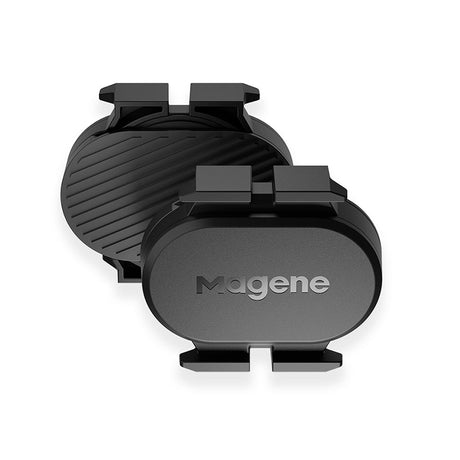
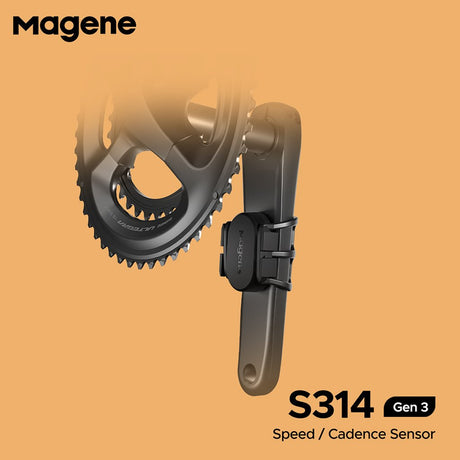
| Magene S314 | ₹2,590 | Speed or cadence | Switches between speed and cadence modes through the Magene app or by refitting the battery. ANT+ and Bluetooth, about 500 hours from a CR2032 coin cell, 7.7g and IP66. Buy two for both. |
| Wahoo Trackr Speed | ₹4,950 | Speed | Magnet-free hub sensor with a replaceable battery. Not for spin bikes. |
| Garmin Speed/Cadence Sensor 2 Bundle | ₹7,990 | Speed and cadence | A matched pair. The speed sensor self-calibrates with a Garmin Edge or compatible watch, and the cadence sensor fits any crank arm. ANT+ and Bluetooth. |
Prices are indicative and move with exchange rates and import duty. Browse all speed and cadence sensors.
Which to choose: for most riders, one Magene S314 set to cadence covers outdoor riding, and a second set to speed covers a basic trainer. If you ride a Garmin and want both sensors in one box, the Garmin bundle is the simplest option.
Fitting them
- Speed sensor on the front hub for outdoor riding. Stretch the band around the hub shell, away from the spokes, and check the wheel spins freely.
- Speed sensor on the rear hub for a wheel-on trainer. Indoors only the rear wheel turns, so a sensor on the front wheel will read zero. Move it before your first indoor ride.
- Cadence sensor on the non-drive crank arm. Fit it on the inside face of the left crank, then turn the cranks slowly and check it clears the frame and chainstay all the way round.
- Set the wheel size. If your computer does not calibrate automatically from GPS, enter the wheel circumference for your tyre size, or measure it by rolling the wheel one full turn on the ground.
- Wake the sensor before pairing. Spin the wheel or turn the cranks so the sensor starts transmitting, then search for it in your device's sensor menu.
Pairing: ANT+ and Bluetooth
All four sensors above transmit on both ANT+ and Bluetooth, so they work with almost any bike computer, watch or training app.
The difference shows up when you use more than one device. ANT+ can send to several devices at once, so your bike computer and a trainer app can both read the same sensor. Bluetooth sensors often connect to only one device at a time, so if your phone grabs the sensor first, your computer may not find it. If a sensor seems to disappear, close the apps on your phone and pair again. Our guide to choosing a bike computer covers sensor support on each brand.
FAQ
Do I need a speed sensor if my bike computer has GPS?
For most outdoor riding, no, because a GPS bike computer or watch calculates speed and distance accurately on open roads, and a speed sensor only makes a noticeable difference where the satellite signal is poor, such as in tunnels, dense forest or between tall buildings, or when you ride indoors. A speed sensor does give steadier, quicker speed readings during sprints and intervals. If you never ride indoors, put the money towards a cadence sensor instead.
Can I use a cadence sensor with Zwift on a smart trainer?
Yes, and it often helps, because many smart trainers estimate cadence from changes in the flywheel's speed rather than measuring it directly, which can make the number jump around or lag during hard efforts, while a crank-mounted cadence sensor counts every pedal stroke. Pair it in Zwift's cadence slot in place of the trainer's own estimate. If your trainer's cadence already looks steady and accurate, you do not need one.
Will one sensor work with both my watch and my bike computer?
Usually yes over ANT+, because ANT+ lets one sensor broadcast to several devices at the same time, so a watch and a bike computer can both show your cadence on the same ride, while Bluetooth sensors often connect to only one device at a time. All the sensors we sell support both, so check that your watch and computer read ANT+. If one device cannot find the sensor, the other has probably connected to it over Bluetooth first.
How long does a cadence sensor battery last?
Most cadence sensors run for 300 to 500 hours on a single coin-cell battery, with the Magene S314 rated at about 500 hours on a CR2032 and the iGPSport CAD70 at about 300 hours, which works out to a year or more for most riders who ride a few times a week. Replacing the battery takes a minute with a coin. Keep a spare CR2032 at home so a flat battery does not catch you out before a ride.
What is a good cadence for cycling?
Most experienced riders settle between about 80 and 95 revolutions per minute on flat roads, while many newer riders pedal slower, around 60 to 70 rpm, in a harder gear, which tires the leg muscles faster and puts more load on the knees, especially on climbs. There is no single right number, and it varies with terrain and fitness. A cadence sensor lets you see what you naturally ride at and try spinning a little faster.
Getting help
Not sure which sensor works with your computer, watch or trainer? Ask TBA Guide with the devices you use and how you ride, and we will tell you what to get.